Software Center, App Jump Back, Copy Text Selections.
Download apps, utilities, tools, games, demos and more with Software Center. Switch between Apps faster and copy text from many more places.
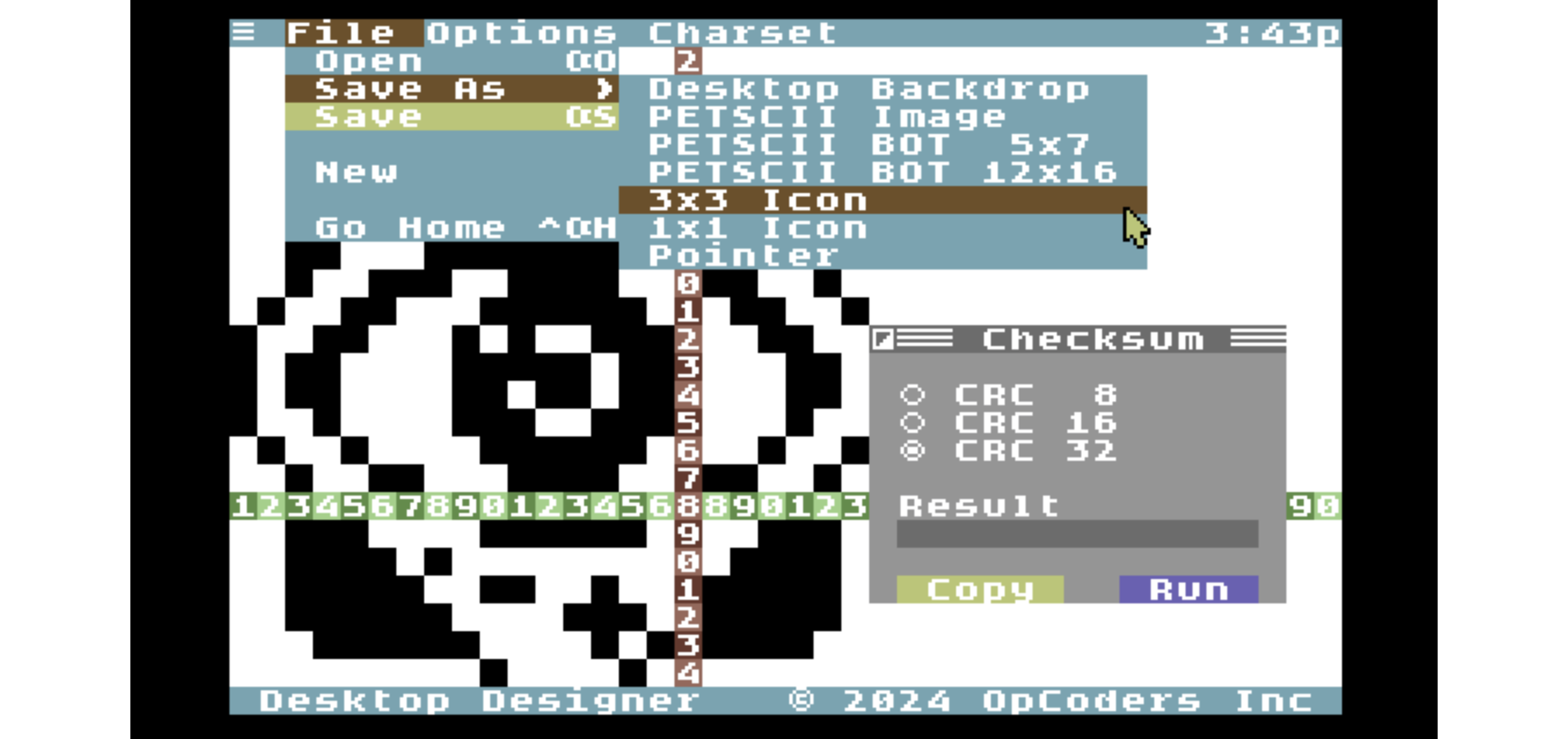
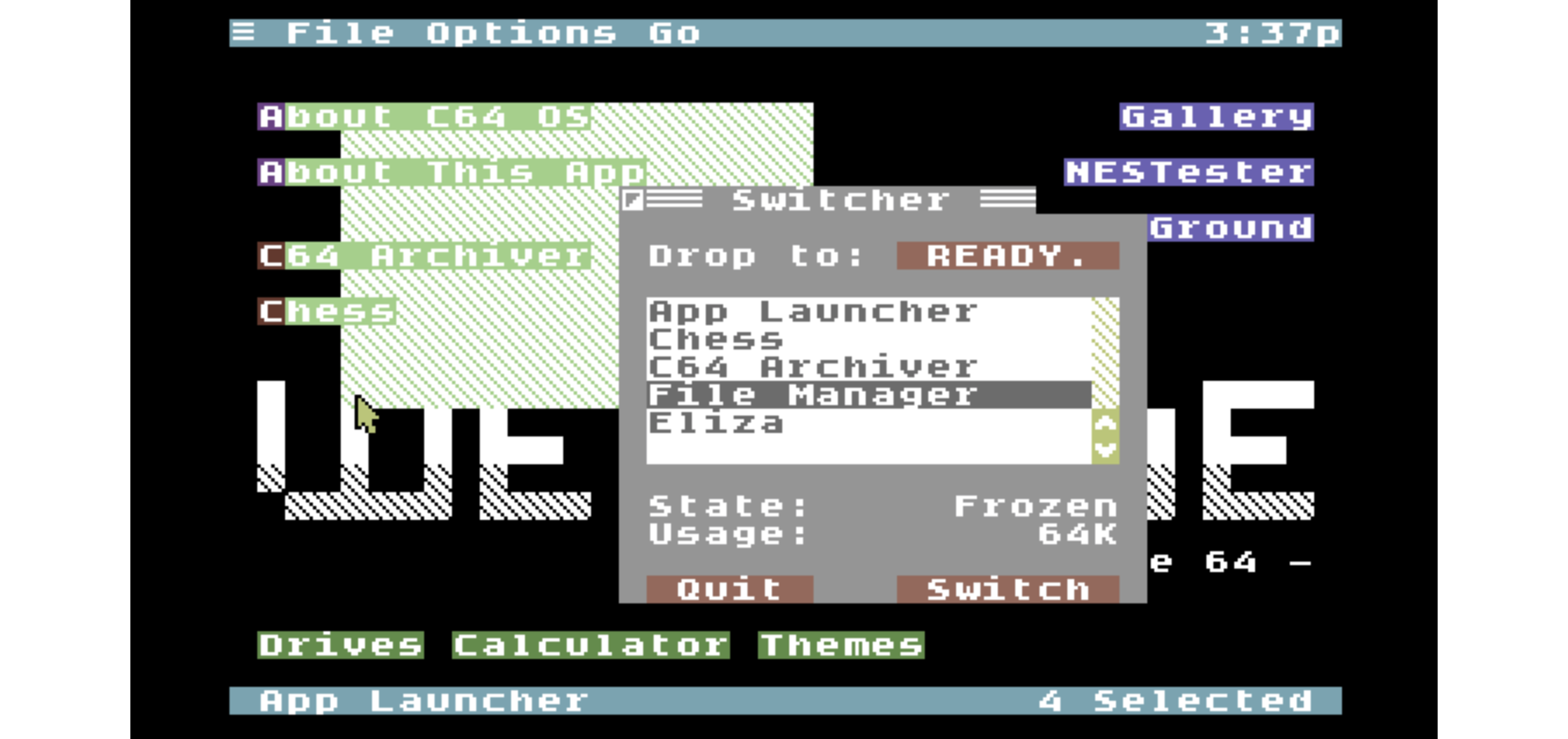
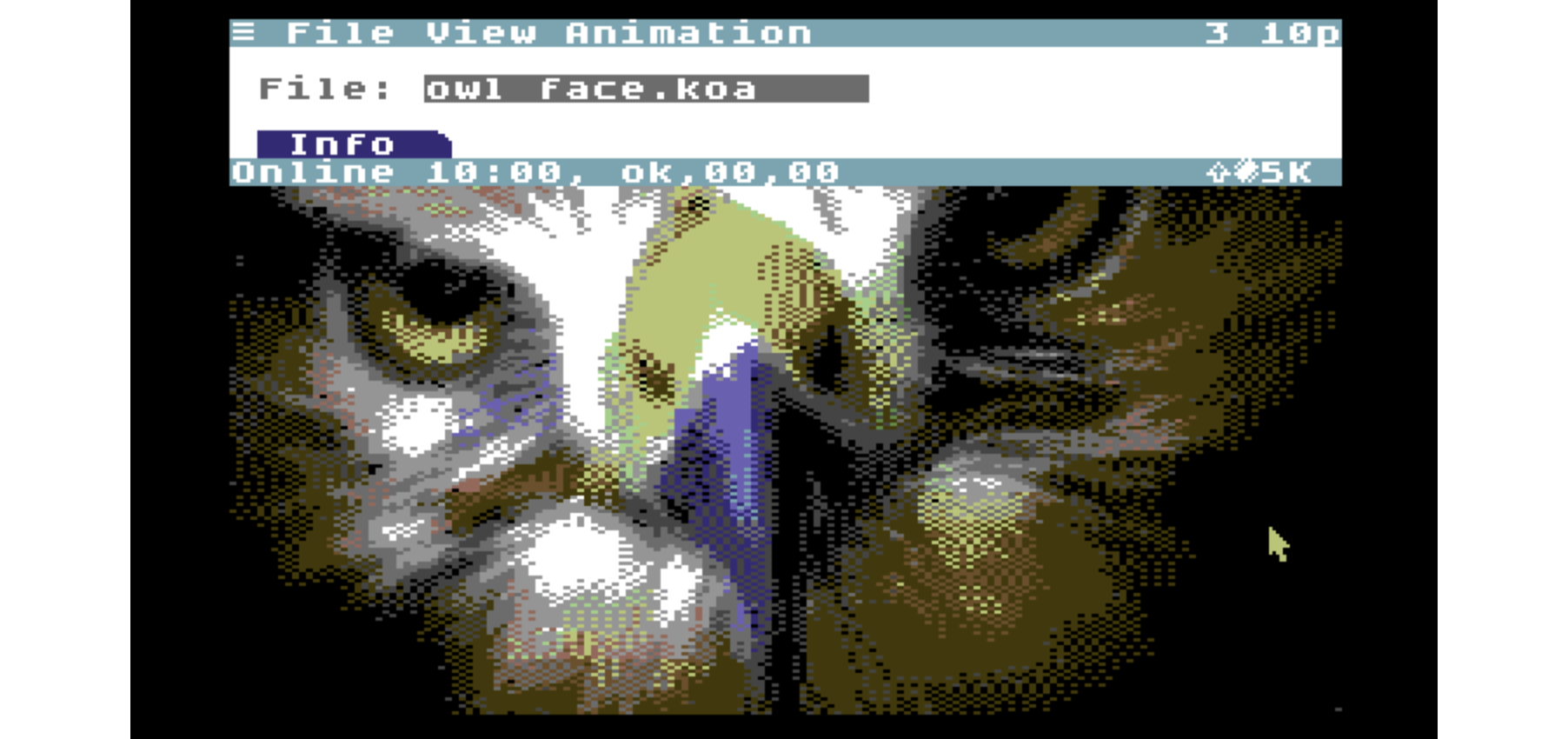
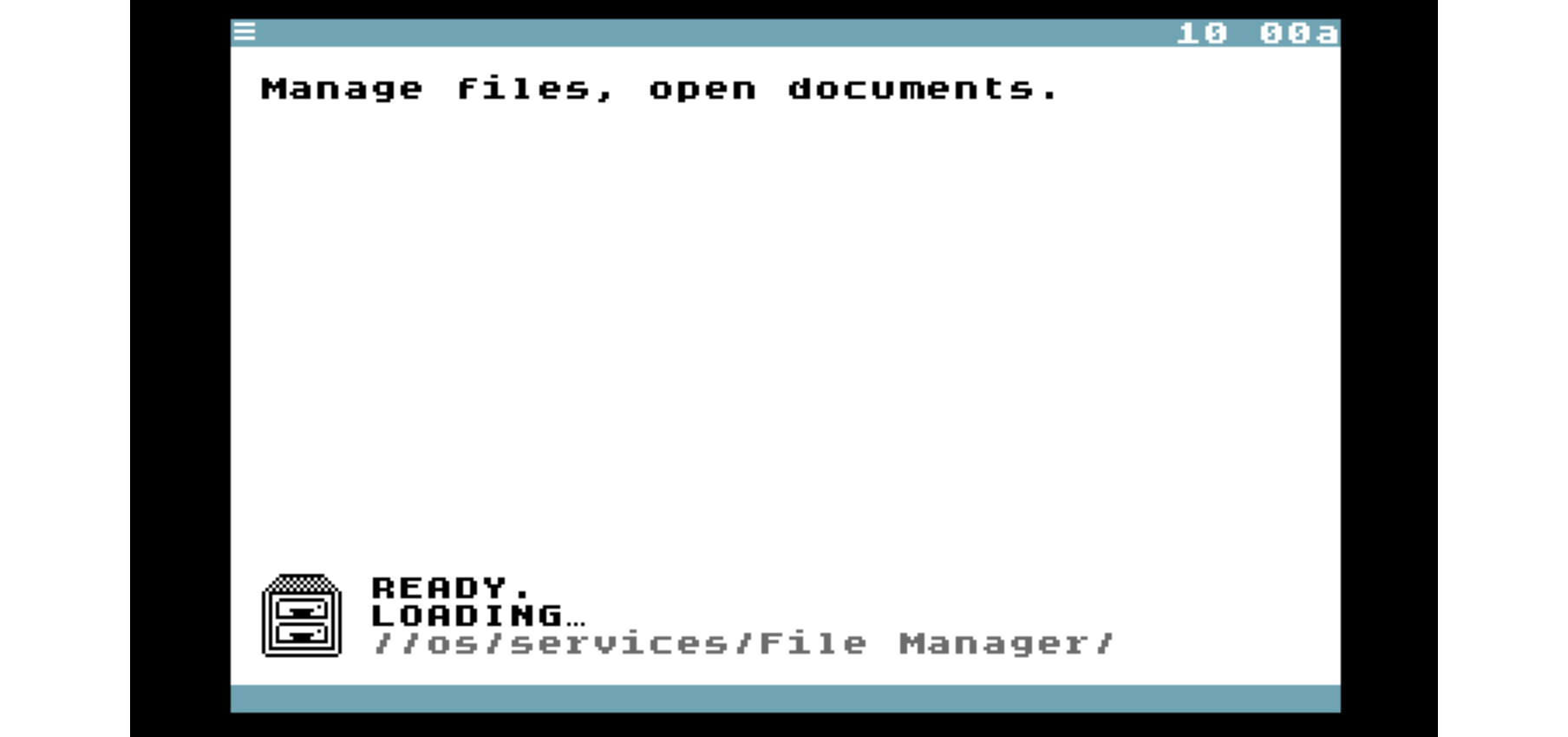
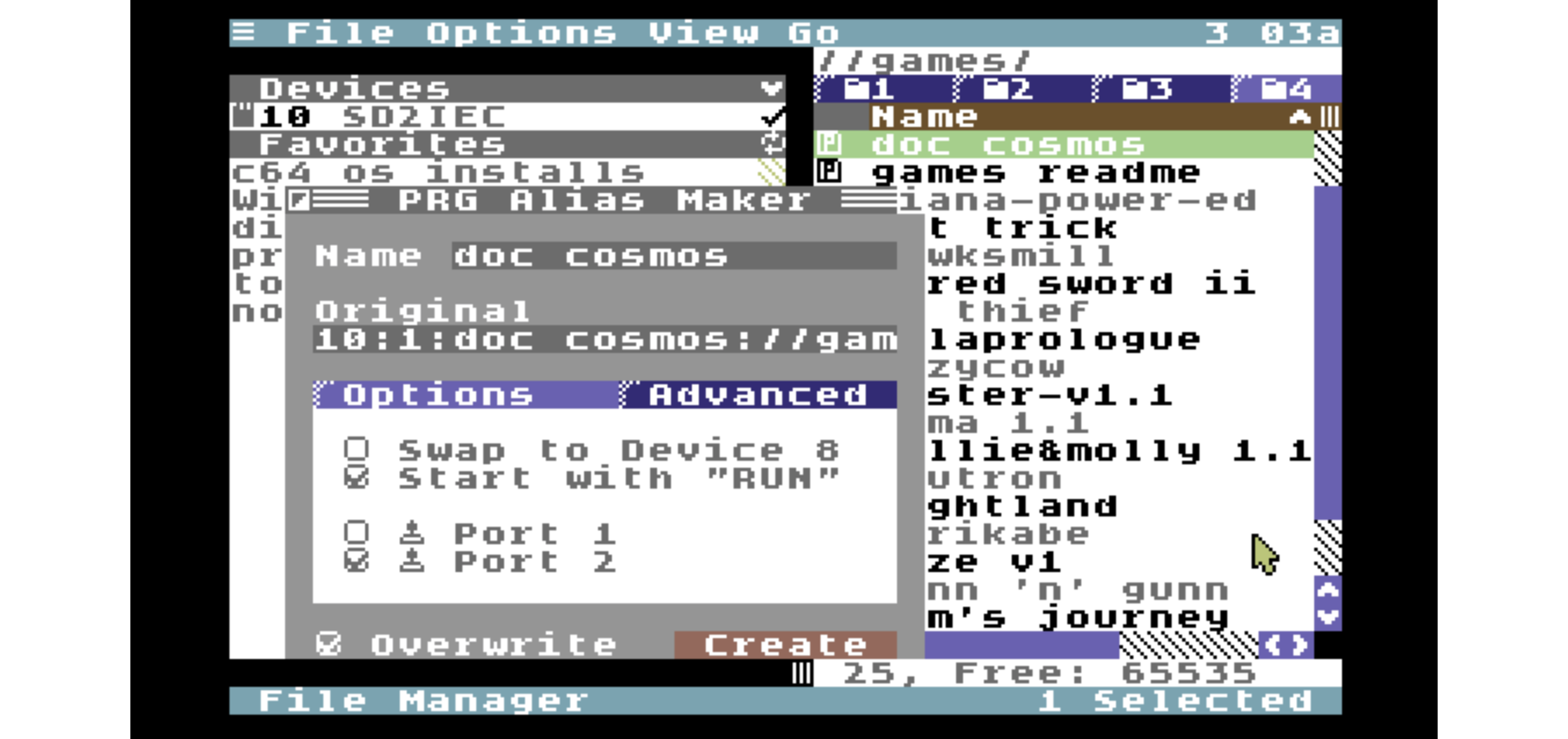
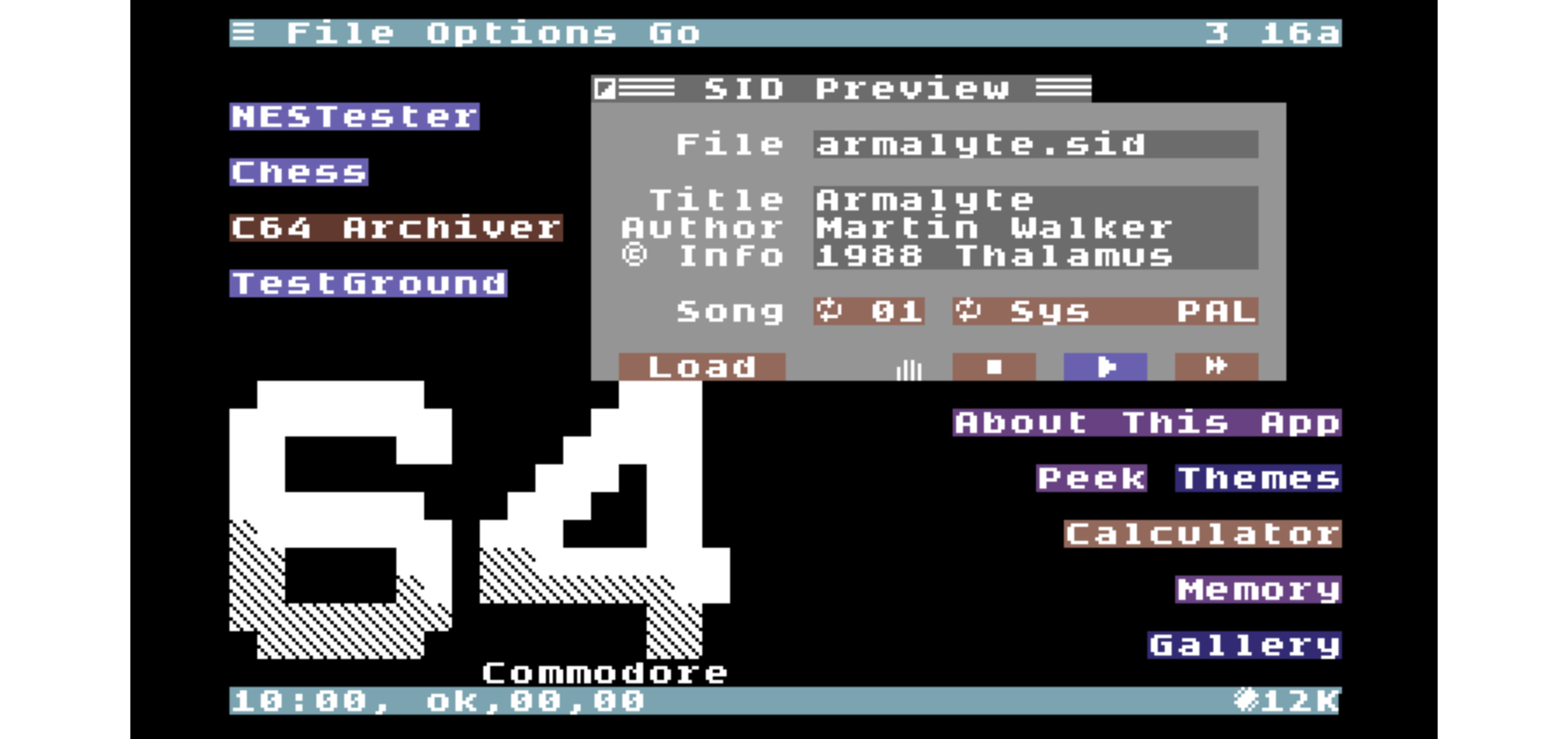
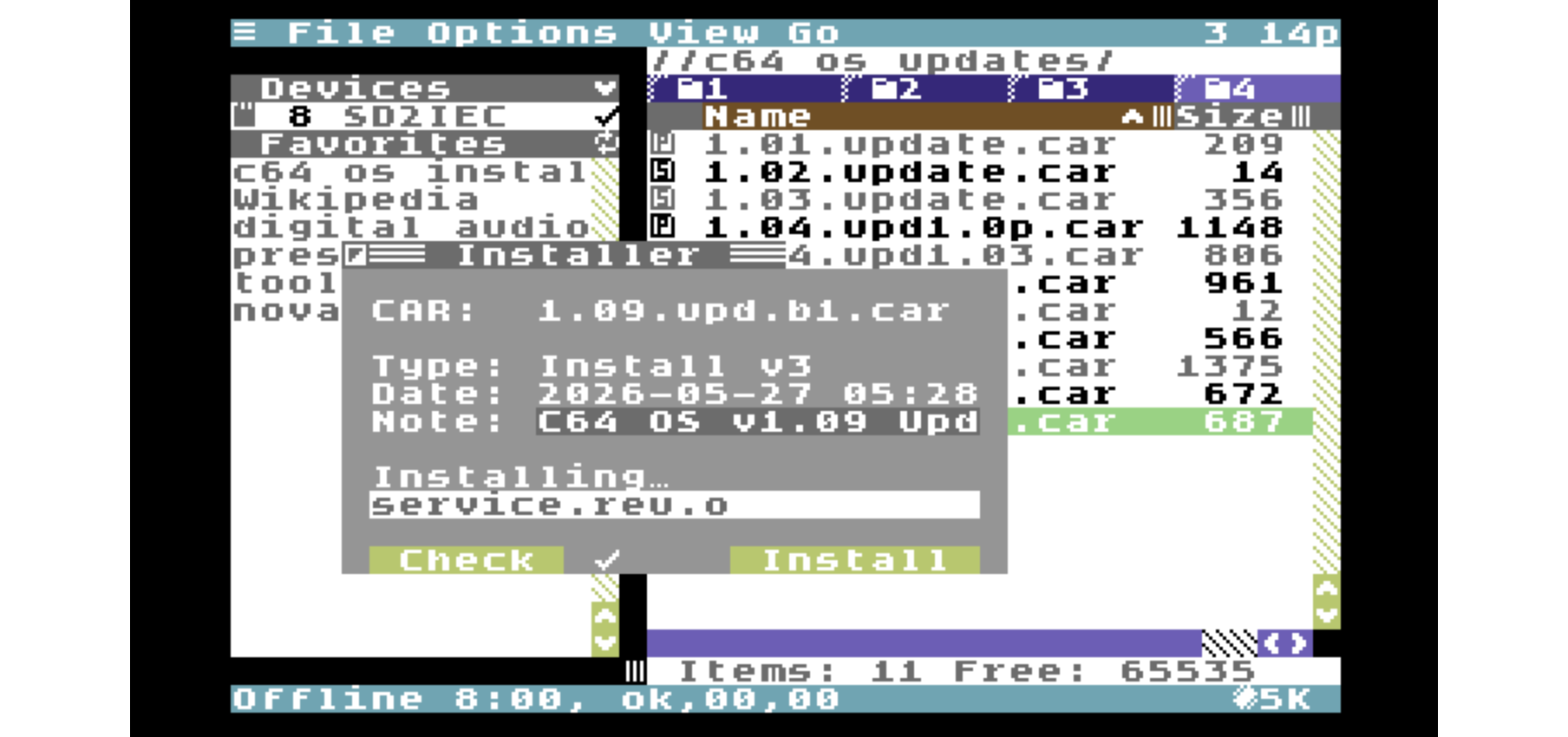
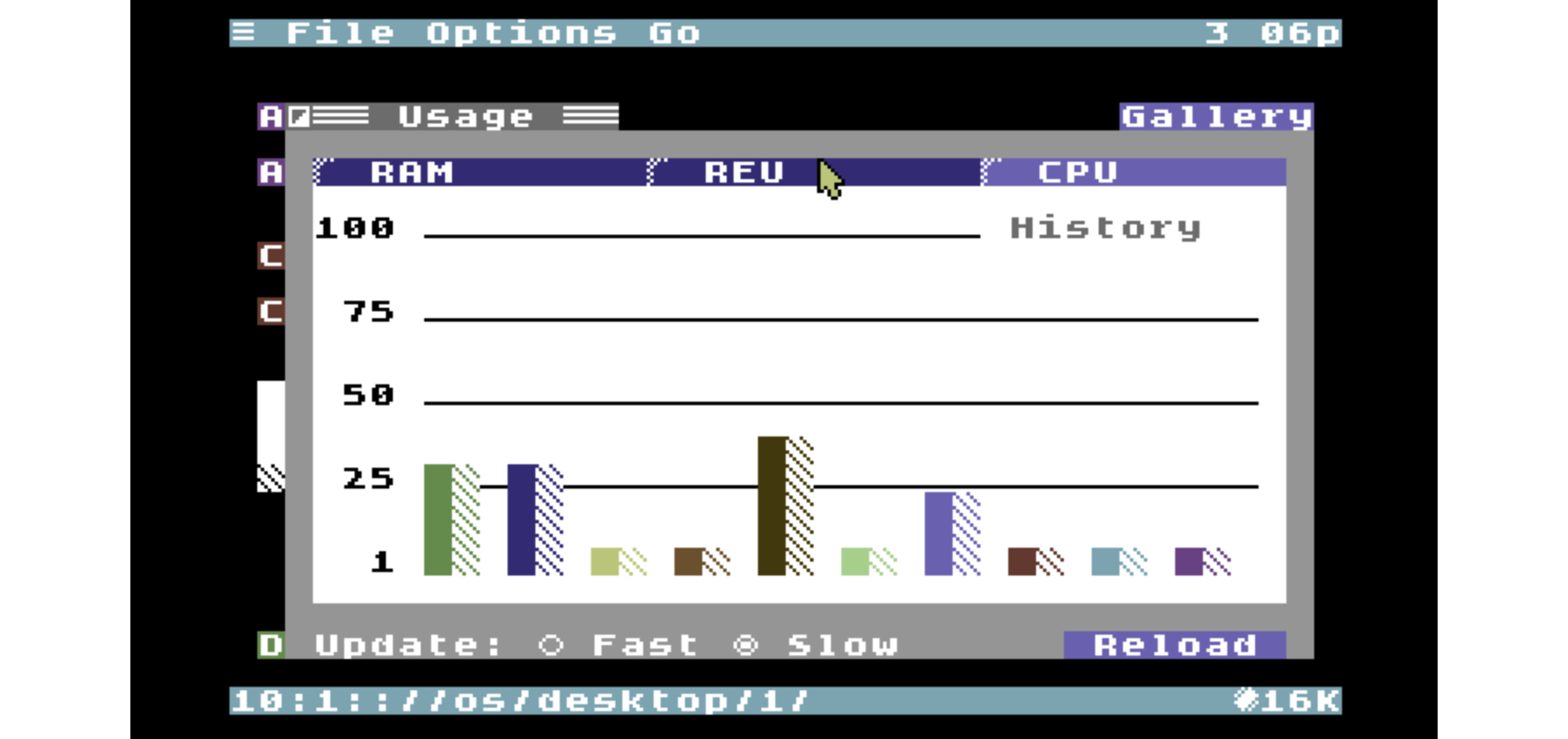
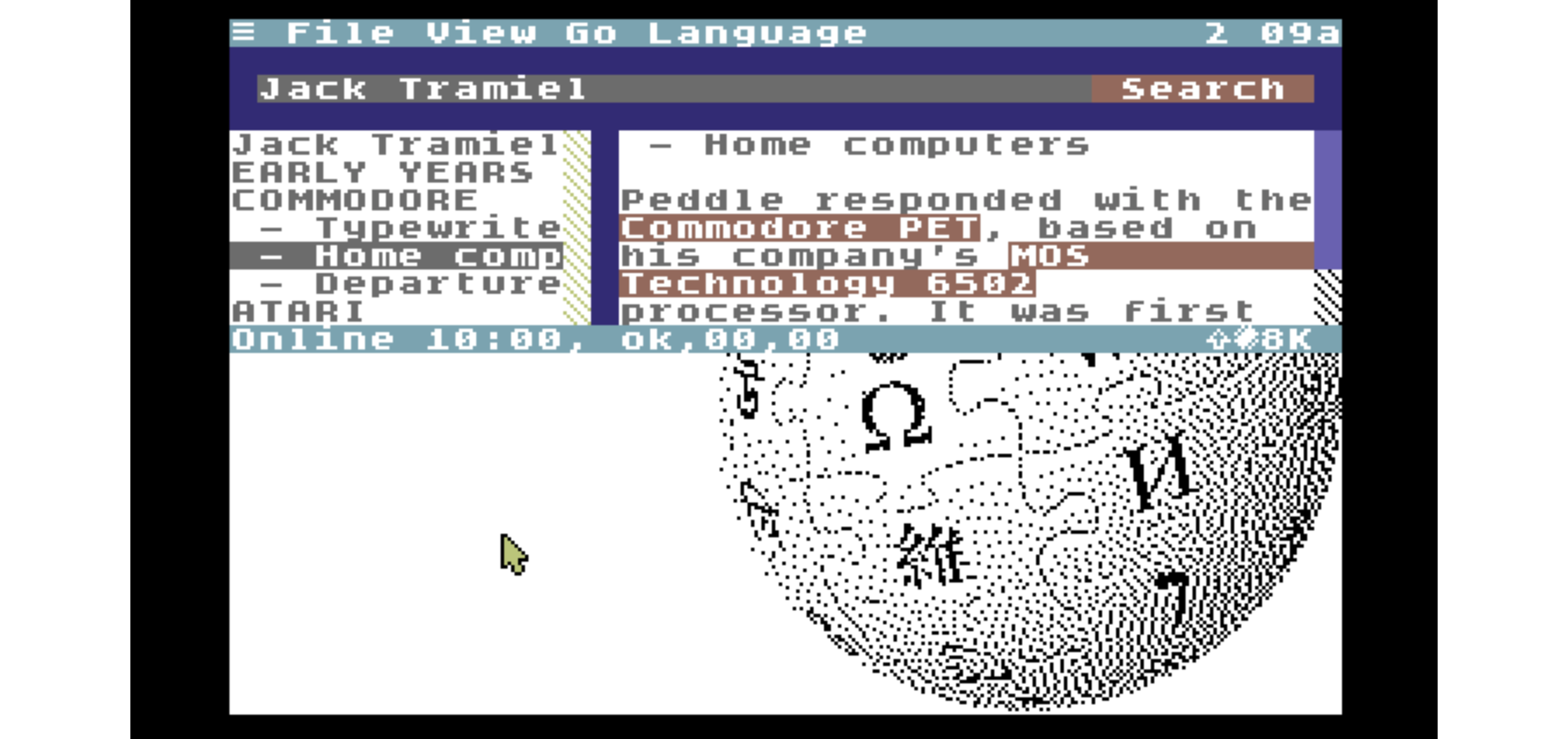
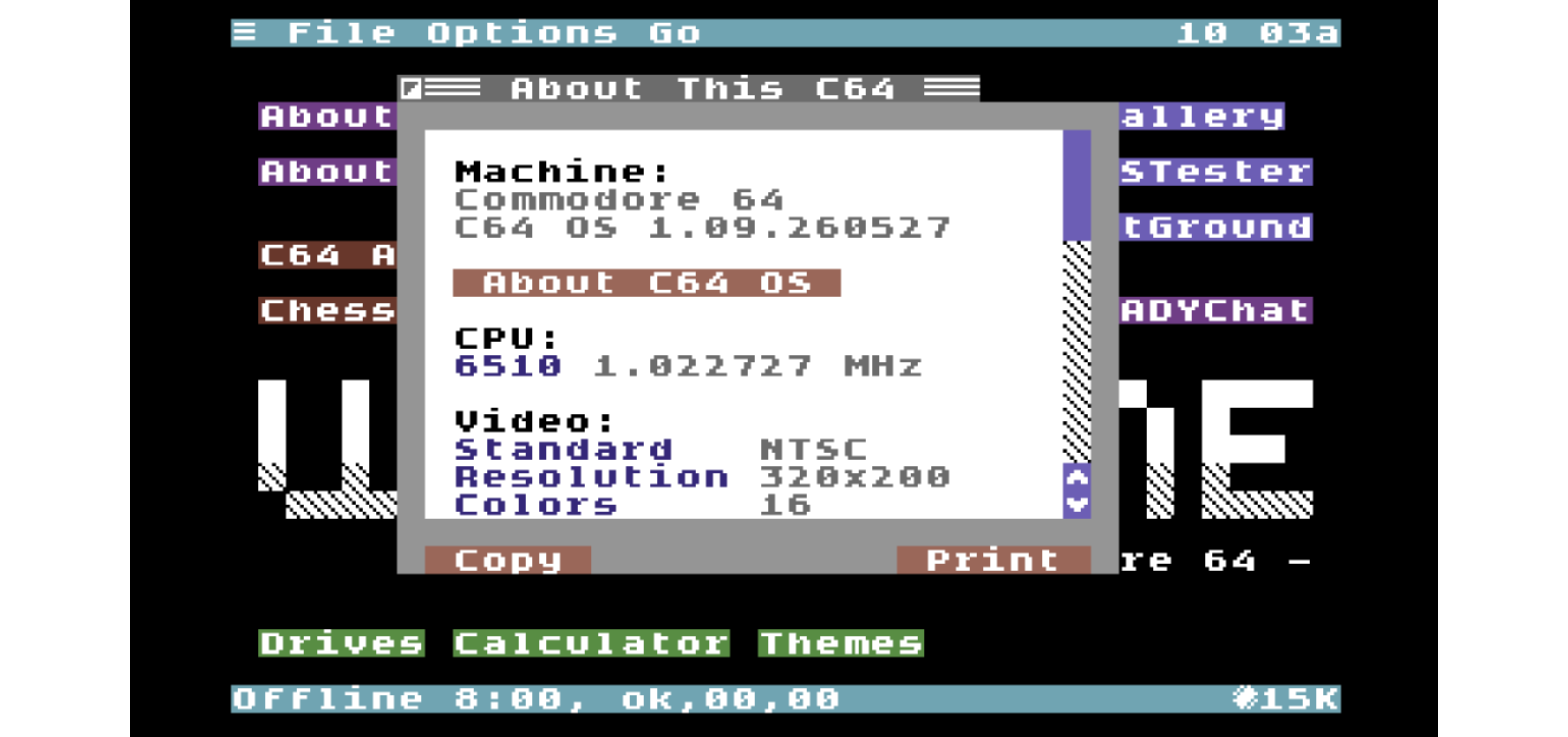
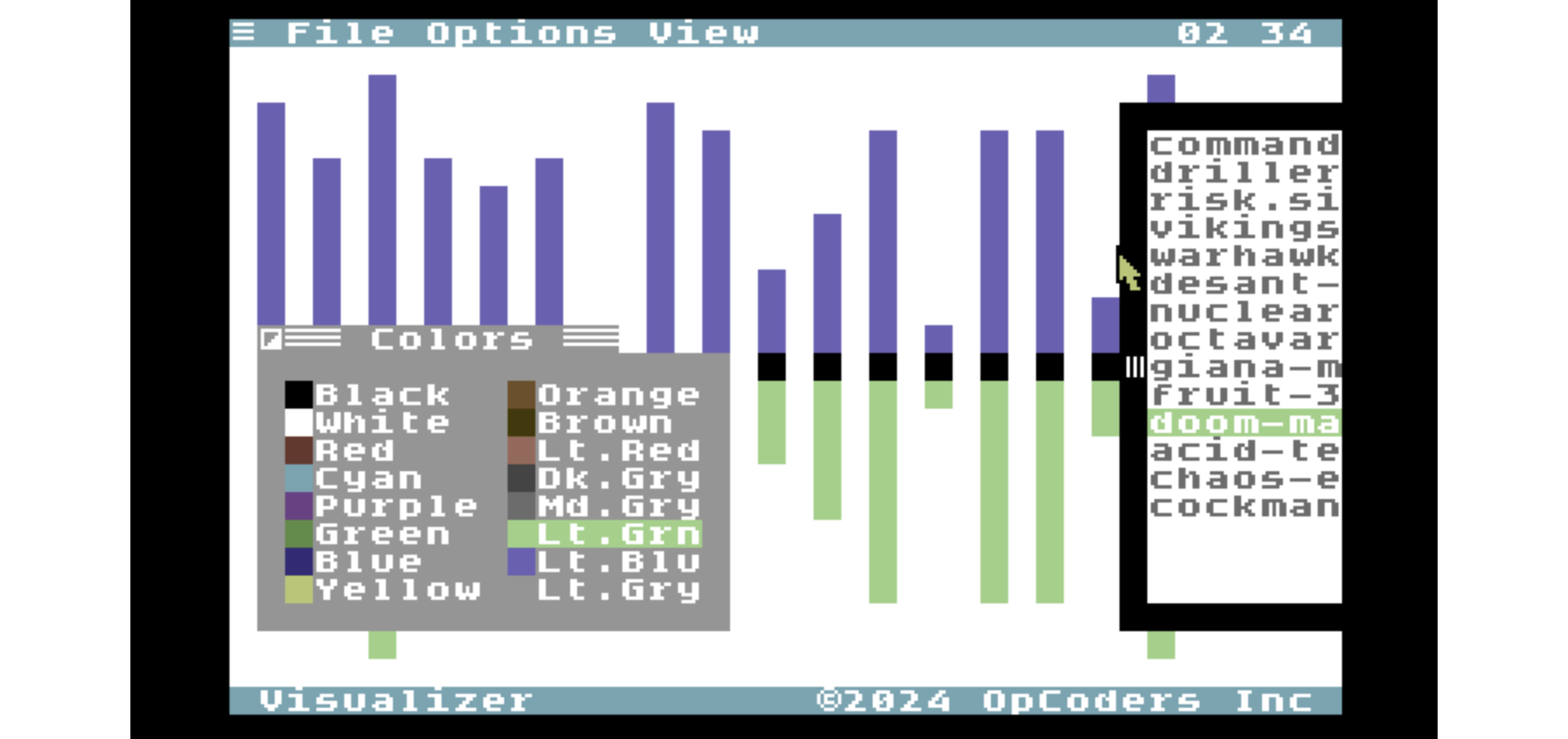
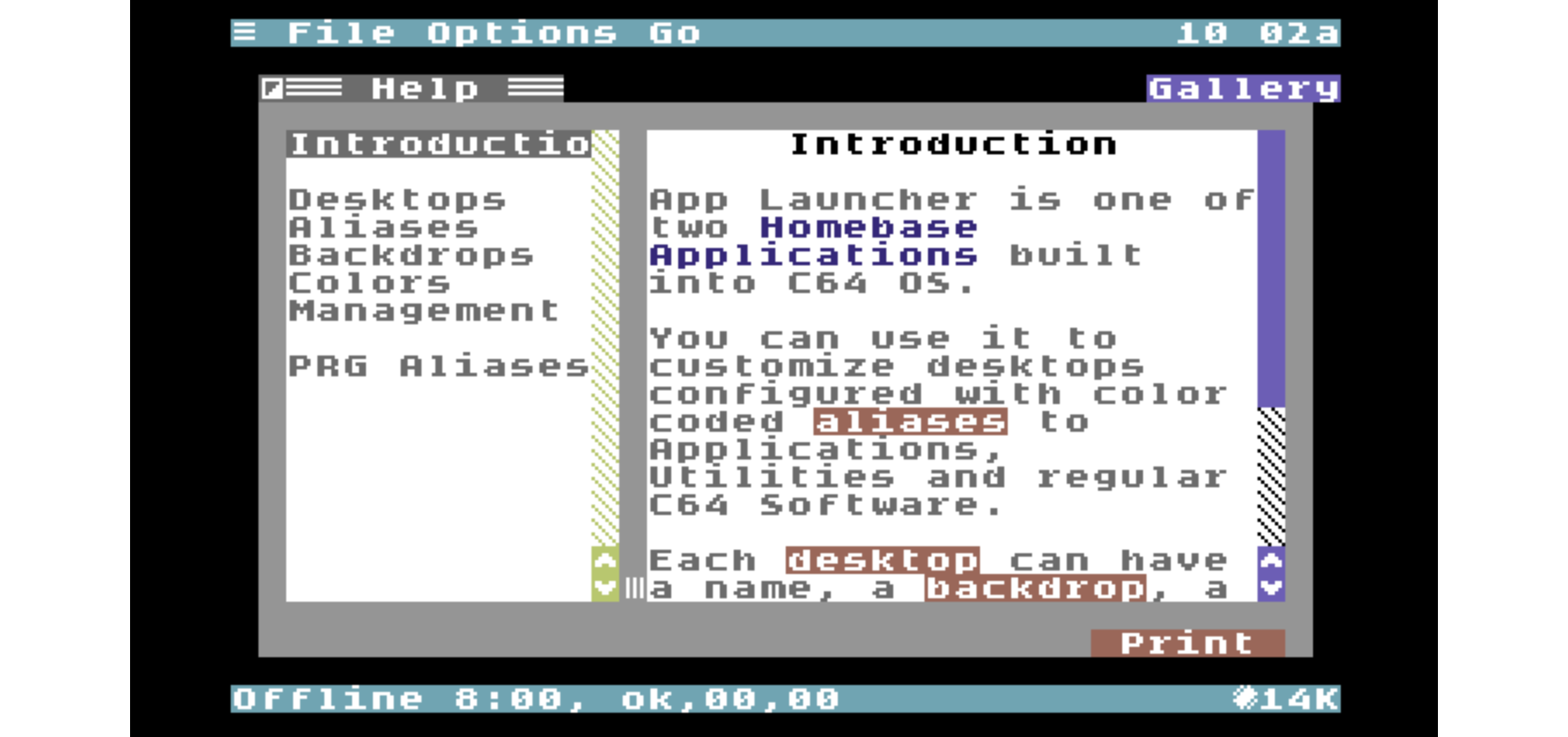
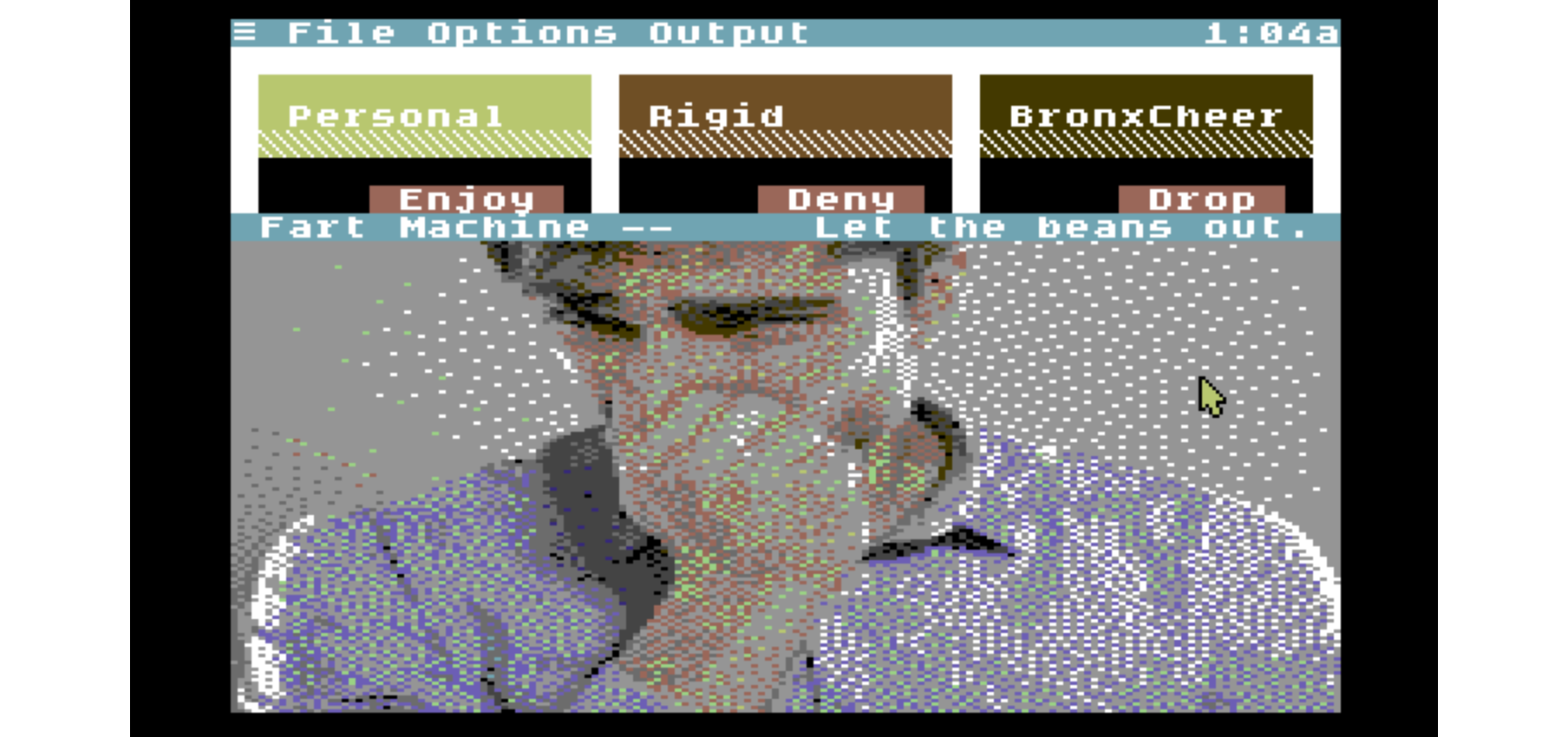
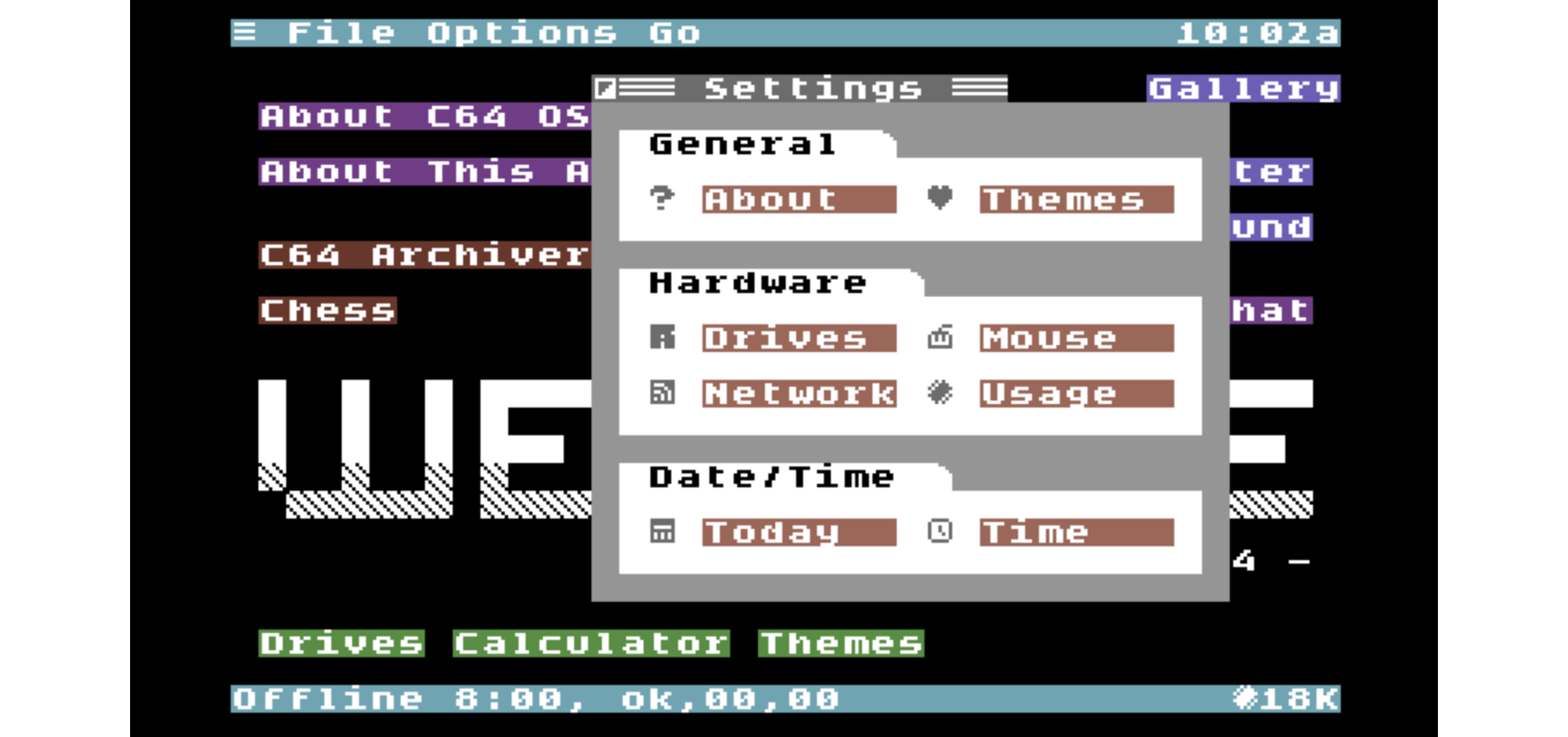
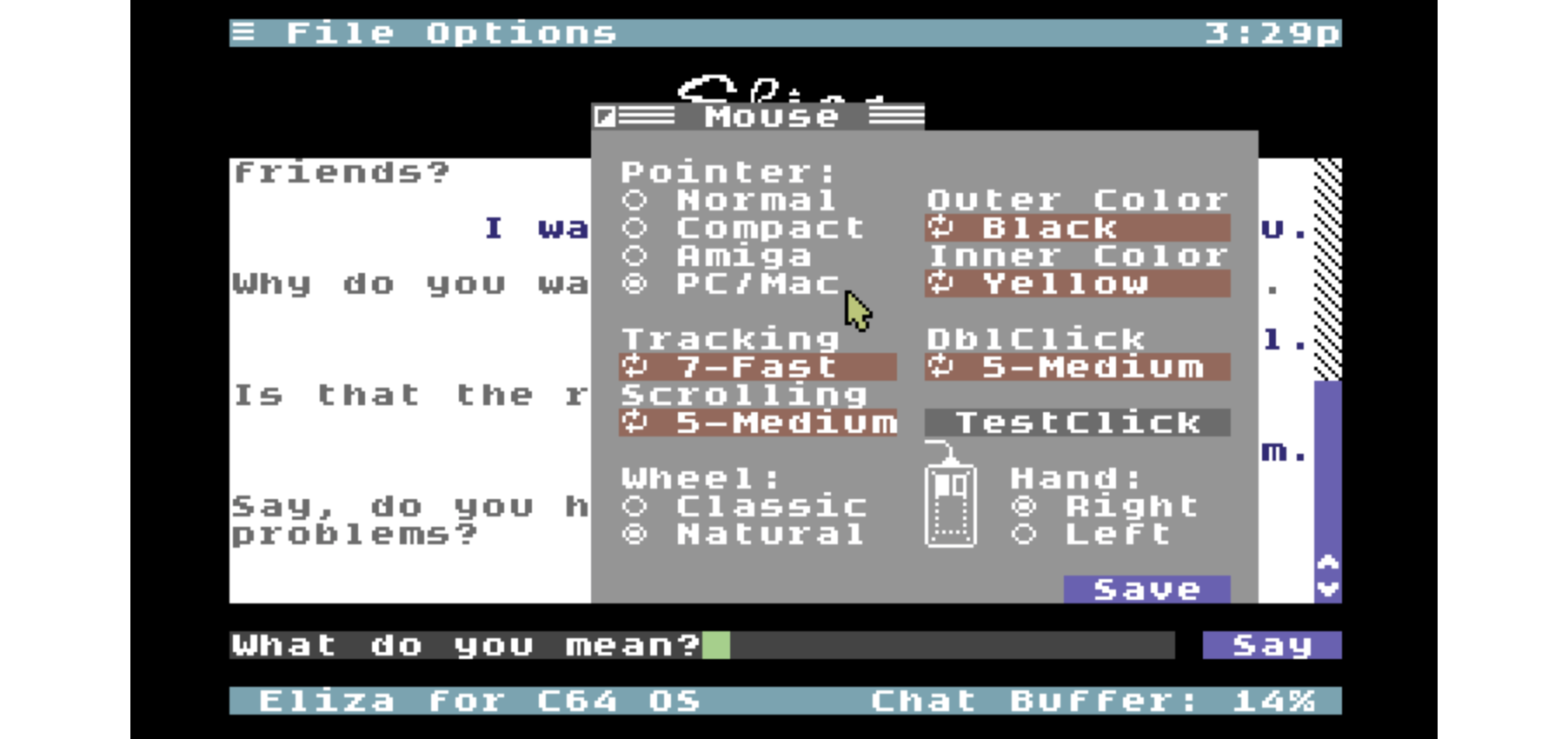
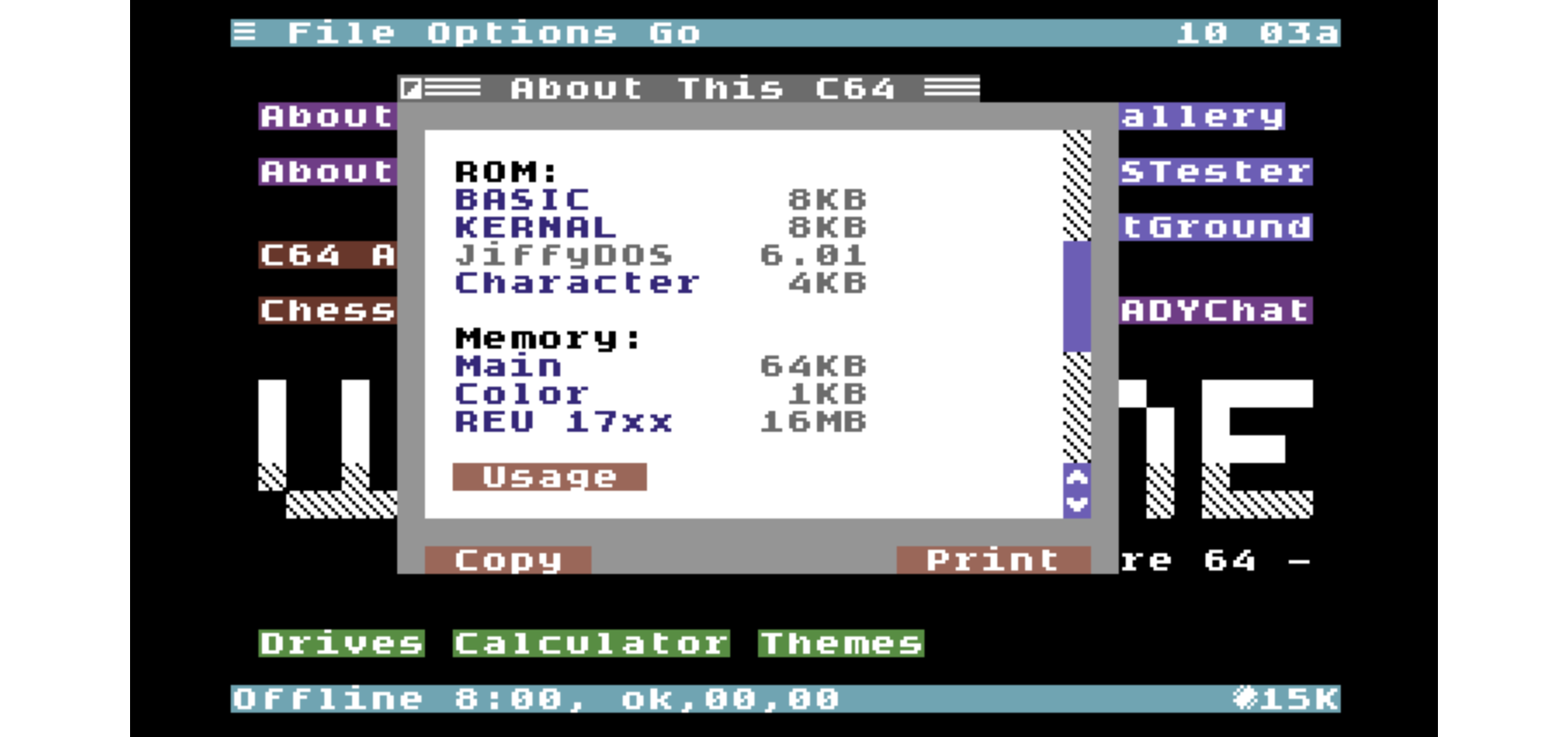
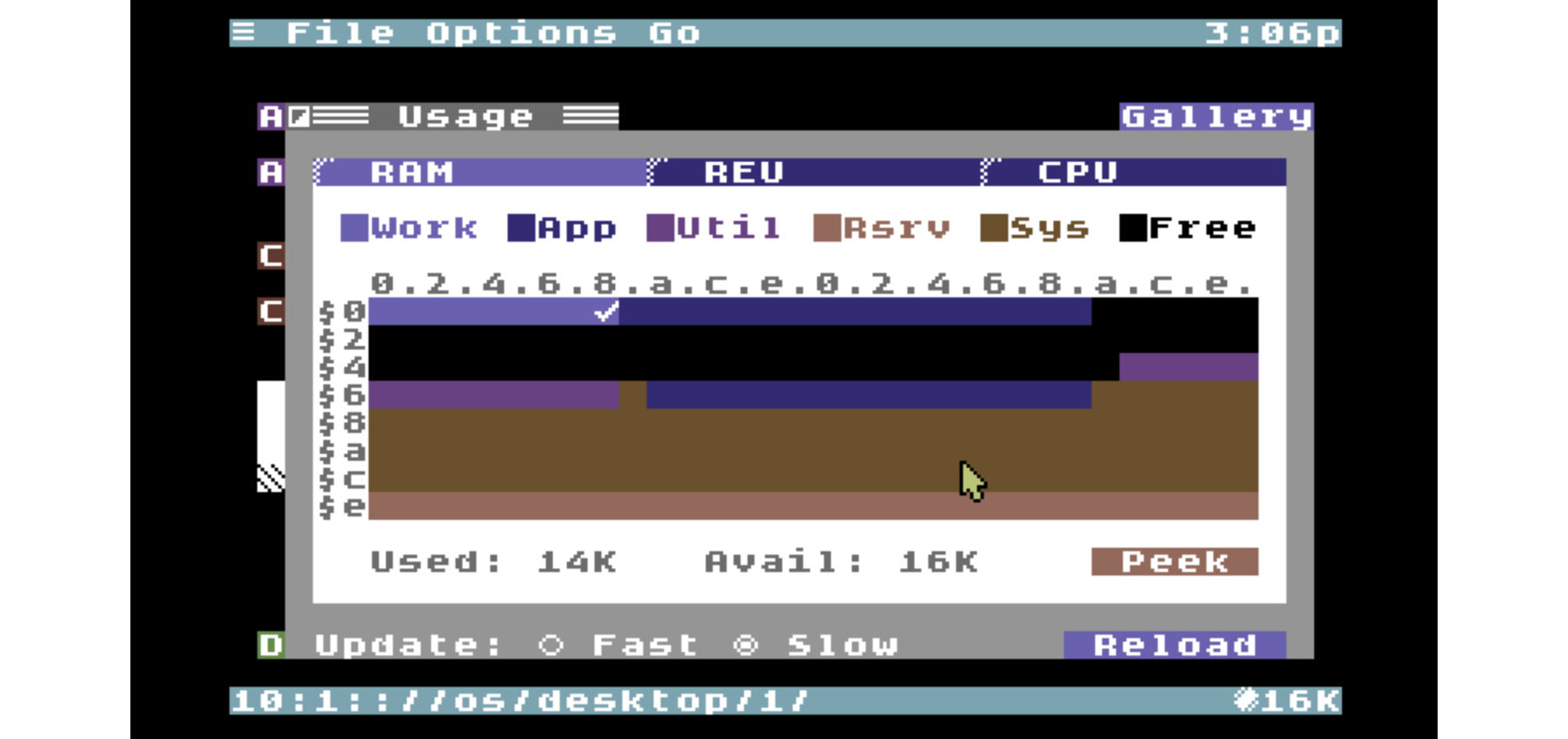
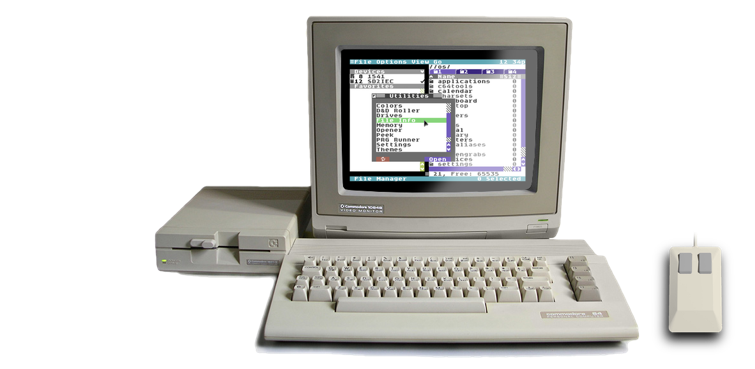
C64 OS is a modern operating system add-on that balances power and ease of use, while respecting the computer's modest specifications. C64 OS lets you do things with your Commodore 64 that Commodore would never have imagined.
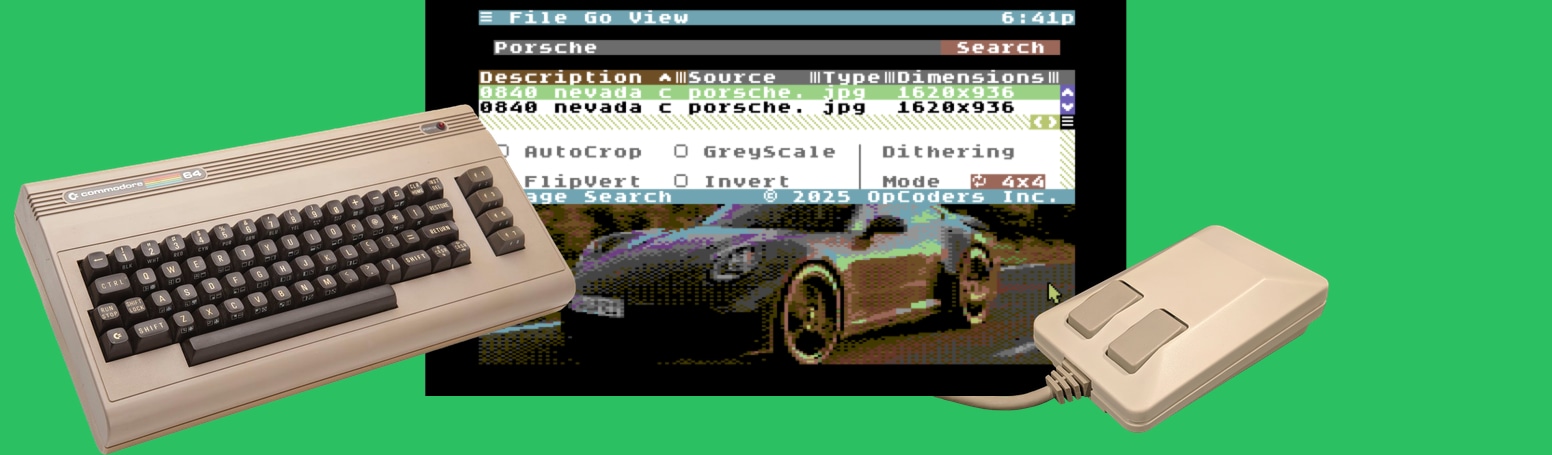
Over eight years of development, C64 OS is a platform ideally suited for a whole new class of application. Applications ready to take advantage of mass storage, wireless networking, and more RAM, in an elegant, modular and expandable system, with a beautiful user experience you'll feel comfortable with from the first click.
“Hand-coded with love
in pure 6502 assembly language.”
Every C64 OS License Includes
Regardless of which edition you choose, a licensed copy of C64 OS includes:
C64 OS Software
- C64 OS v1.08, with a free update to v1.09
- A complete collection of applications, utilities, system software and development tools, including:
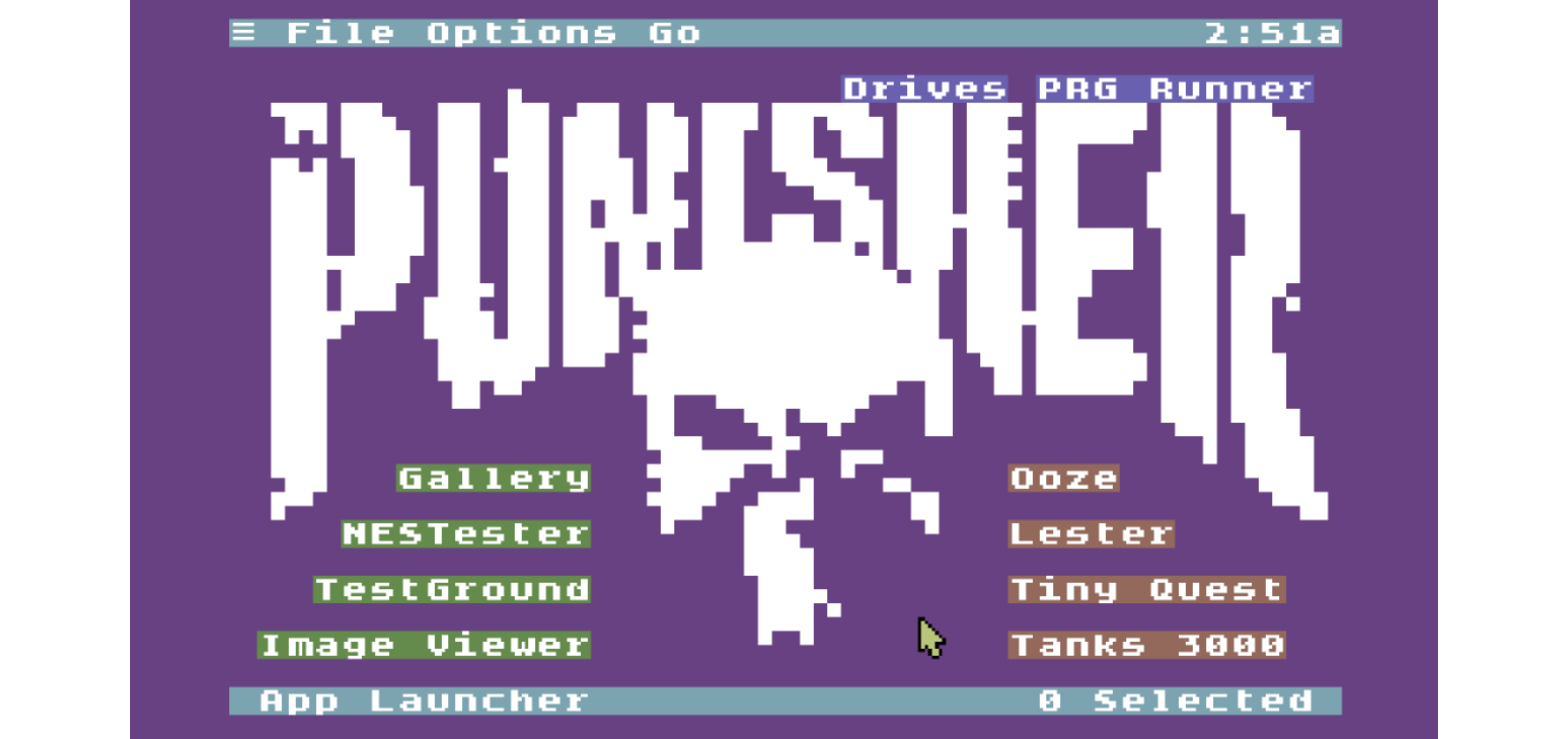
- 7 Applications, including App Launcher, File Manager, Wikipedia, Image Viewer and C64 Archiver
- 40+ Utilities
- 10 KERNAL modules
- 25+ Drivers
- 25+ Libraries
- 30+ Toolkit classes
- 20+ Datatype loaders
- 25+ additional Tools
Documentation
- Online Getting Started Guide (3,500+ words)
- Complete online User's Guide (180,000+ words)
Updates and Community
- Ongoing patches, bug fixes and feature updates
- Access to new non-commercial Applications and Utilities
- Access to the private C64 OS Discord community for support, help, bug reporting, news and discussion
☆ Digital Bundle
Everything you need to get started with C64 OS, without the physical components.
- Complete C64 OS software package
- Digital installation archive and installation tools for other storage media
- All documentation, updates and community access
- Pre-installed CMD HD hard drive image for VICE
- Pre-installed IDE64 hard drive image for VICE
☆ Standard Bundle
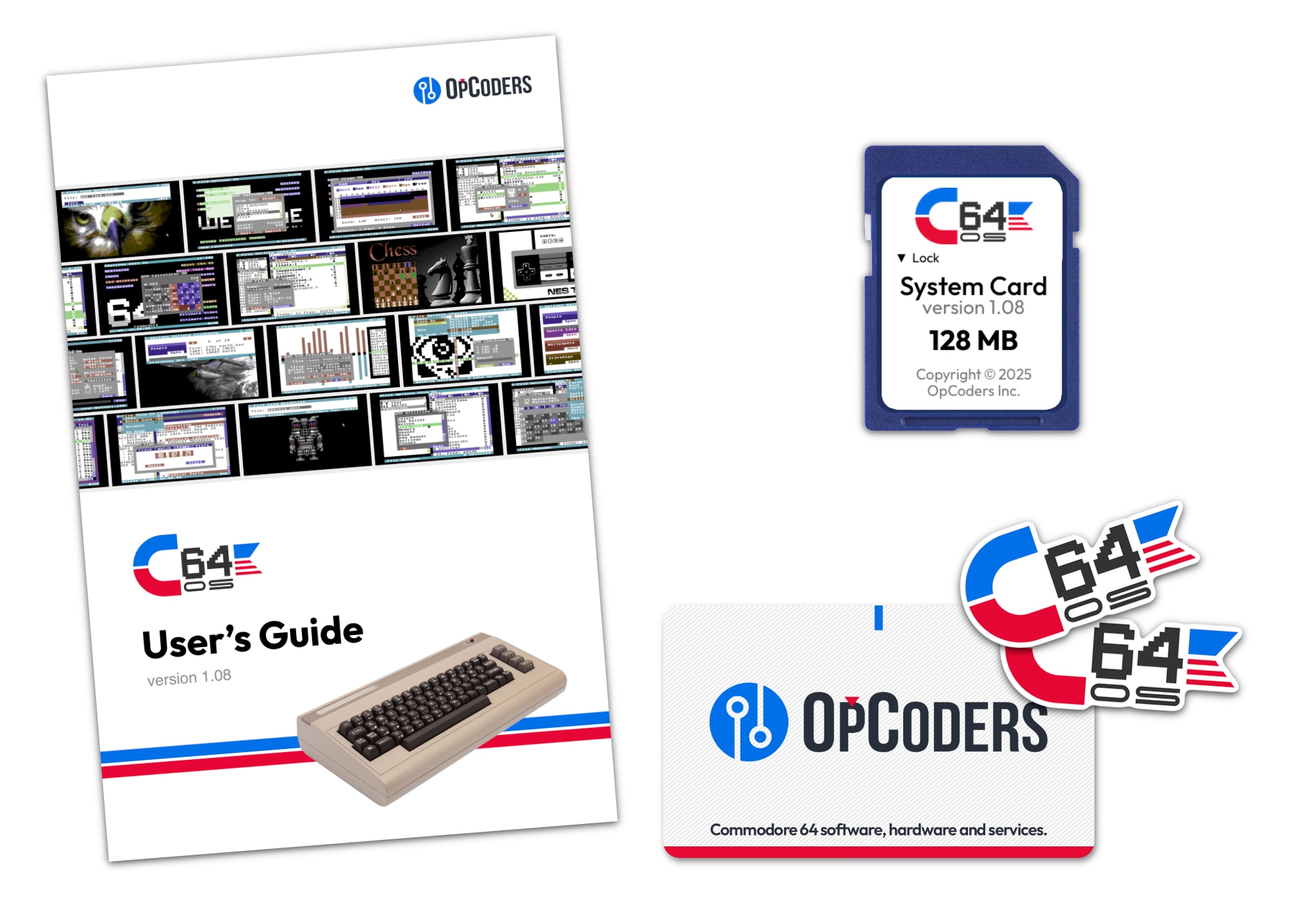
The complete C64 OS experience, supplied on a physical System Card.
- Everything included in the Digital Bundle
- Pre-installed C64 OS v1.08 on a 64 MB SD System Card
- 50-page, full-color, professionally printed User's Guide Supplement
- Two high-quality C64 OS vinyl stickers
64 MB System Card Bonuses
- Collection of C64 graphics files for Image Viewer
- Collection of popular HVSC SID tunes relocated for use in C64 OS
☆ Enhanced Bundle
Additional storage, commercial software and bonus content.
- Everything included in the Standard Bundle
- 128 MB SD System Card
- Commercial copy of Desktop Designer
- Commercial copy of Eliza for C64 OS
128 MB System Card Bonuses
- Install archives for Fart Machine, World Explorer and Image Search
- Collection of CGFX animations, panoramas and matrix images
- Collection of PETSCII Bots
- Plus all the bonuses included with the 64 MB System Card
Starts at just $49 CAD*
* $49 CAD is approximately $35 USD, for the Digital Bundle.

Testimonials

Maybe you want to get yourself a copy of C64 OS. I would recommend it. It's very comprehensive as you've seen in this video. And that's not even everything. There's still so much more that you can explore with this.
There's other programs other developers have made. It's a very good program and I recommend anyone pick it up and try it. CommodoreSpence — March 2026 — YouTube Video

When I first saw C64 OS in action, I was blown away!! So much UI goodness on our favourite 8-bit wonder!! I knew I had to do a presentation at the local Commodore Club. I also knew I had to do the presenting from within C64 OS!! So, I developed Presenter for that purpose.
Again I was blown away: this time by the crazily modern SDK, which made developing a presentation application an amazing experience. Of course I coded exclusively on my actual C64, using period appropriate tools (btw, the presentation went great) I am super stoked and proud to have the free version of Presenter included in release 1.08 of C64 OS! Erik van der Tier — September 2025 — PIG Games

I have used C64 OS literally every day since I received it, even if it was just to turn on my C64 and see it load, and it brings a smile to my face that it exists every time! 😊
The app launcher itself has definitely proved to be something that makes it significantly easier for me to use my C64 for finding and running various applications in my day, where often my time at my desk is limited. Thank you again! Adam K0FFY — November 2022 — X (Twitter) DM

C64 OS is the perfect blend of modern OS concepts with sympathy for the classic Commodore 64! It has rekindled my interest in the design and implementation of computer operating systems. It's an absolute delight to use, and sometimes fools you into thinking you're working on a machine designed this millennium!
If you want to write software for your Commodore 64, C64 OS does almost all of the heavy lifting for you. Matt Stine — September 2023 — Discord DM


Choose your C64 OS bundle.
| Digital Bundle | Standard Bundle | Enhanced Bundle | |
|---|---|---|---|
| Price (CAD) | $49 | $64 | $72 |
| Downloadable software | |||
| Community support | |||
| Physical SD System Card | - | 64 MB | 128 MB |
| Printed User's Guide | - | ||
| C64 OS vinyl stickers | - | ||
| Desktop Designer | - | - | |
| Eliza for C64 OS | - | - |
Please review the minimum hardware requirements before you purchase C64 OS. You can also consult the frequently asked questions for additional information about hardware requirements and compatibility.
Digital Bundle
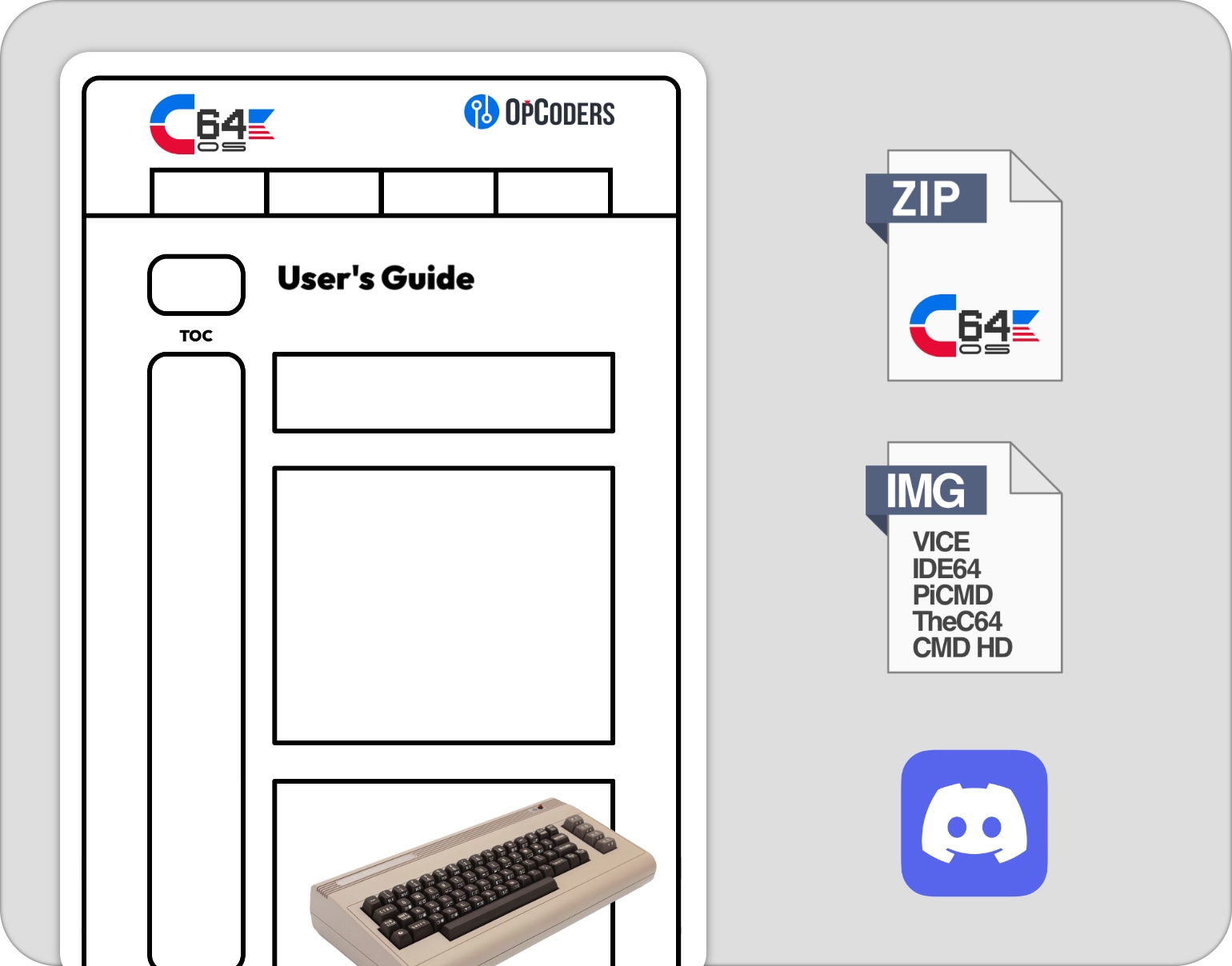
- Online Getting Started Guide and User's Guide
- Pre-installed copy of C64 OS v1.08 for use with SD2IEC
- Free update to C64 OS v1.09 with a downloadable install package
- Pre-installed CMD HD hard drive image
- Pre-installed IDE64 hard drive image
- Images suitable for use with VICE, TheC64 mini/Maxi, BMC64 and PiCMD.
- An installation archive and install tools for other storage media
- A collection of C64 graphics files that can be viewed with Image Viewer
- A collection of popular HVSC SID tunes that have been relocated for use in C64 OS
- Online user account at c64os.com
- Access to C64 OS Community Support Discord server
Standard Bundle (64 MB System Card)
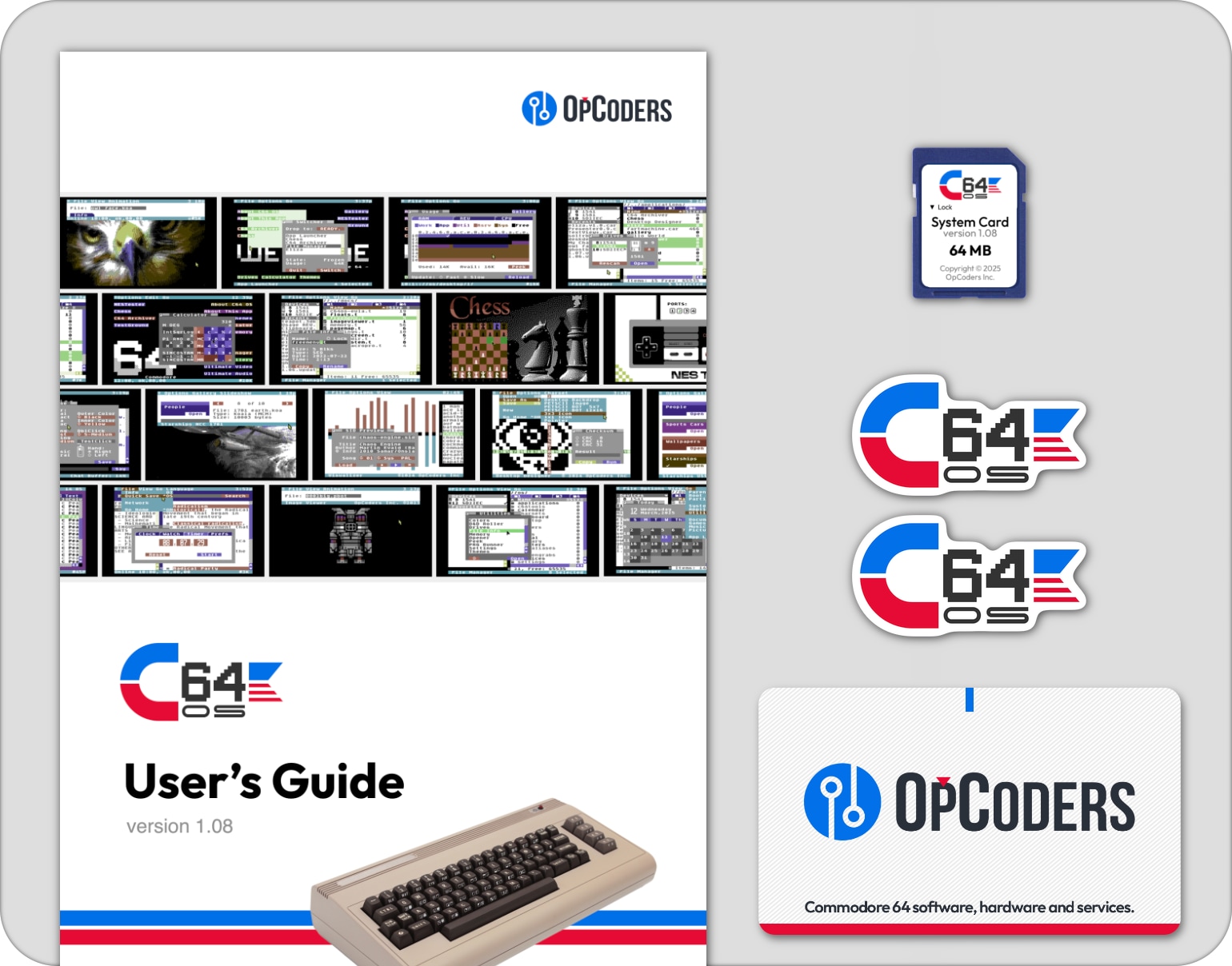
- 64 MB System Card with 2 partitions, space for documents, games and media
- 50-page full-color printed User's Guide
- Pre-installed copy of C64 OS v1.08 for use with SD2IEC
- Free update to C64 OS v1.09 with a downloadable install package
- Pre-installed CMD HD hard drive image for use in VICE
- Pre-installed IDE64 hard drive image for use in VICE
- An installation archive and install tools for other storage media
- A collection of C64 graphics files that can be viewed with Image Viewer
- A collection of popular HVSC SID tunes that have been relocated for use in C64 OS
- Two high-quality vinyl 2" by 1" C64 OS promotional stickers
- An OpCoders Inc. Business Card
- C64 OS Digital Bundle included
Enhanced Bundle (128 MB System Card)
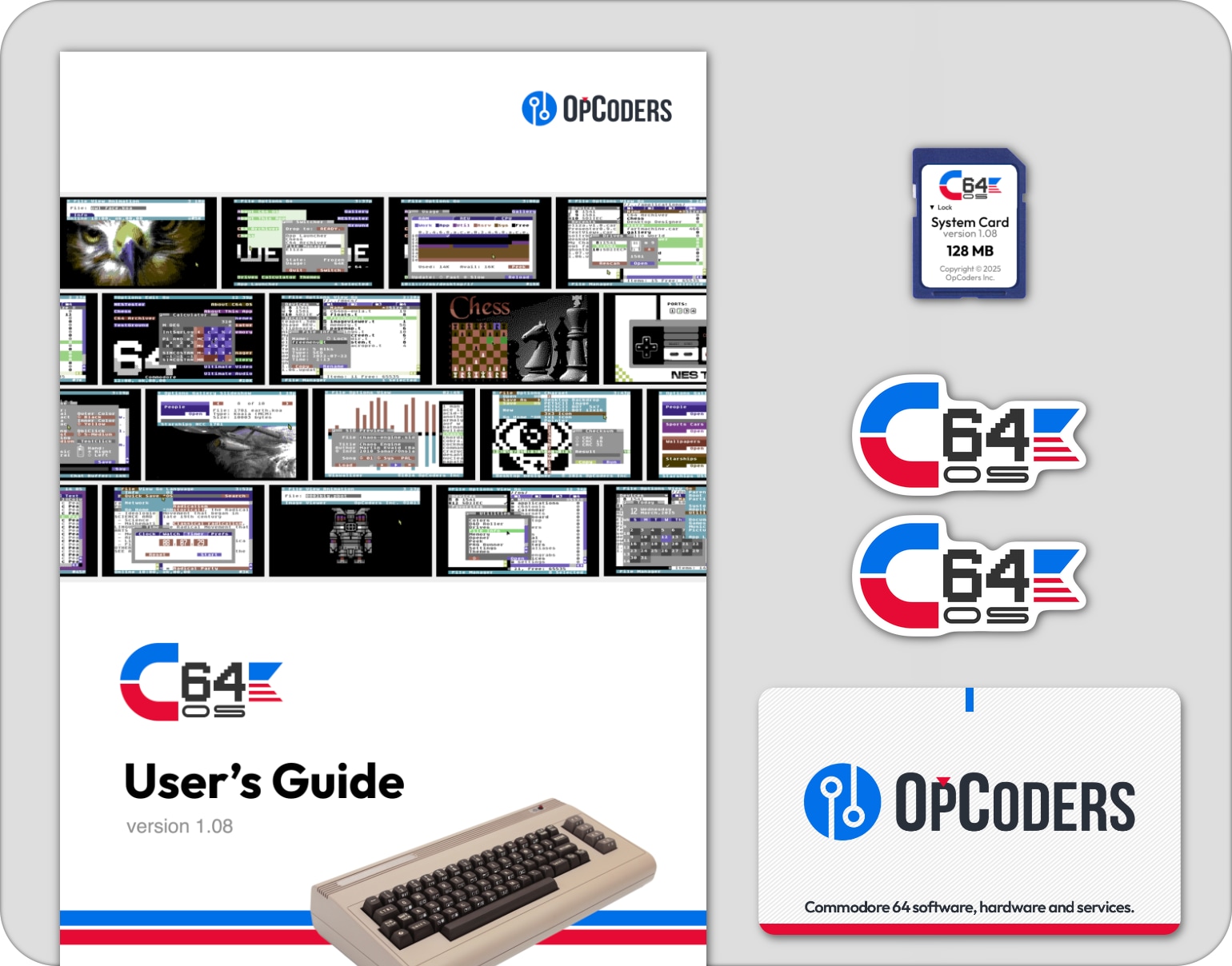
- 128 MB System Card with 2 partitions, ideal for multimedia use
- 50-page full-color printed User's Guide
- Pre-installed copy of C64 OS v1.08 for use with SD2IEC
- Free update to C64 OS v1.09 with a downloadable install package
- Pre-installed CMD HD hard drive image for use in VICE
- Pre-installed IDE64 hard drive image for use in VICE
- An installation archive and install tools for other storage media
- A collection of C64 graphics files that can be viewed with Image Viewer
- A collection of popular HVSC SID tunes that have been relocated for use in C64 OS
- Two high-quality vinyl 2" by 1" C64 OS promotional stickers
- An OpCoders Inc. Business Card
- C64 OS Digital Bundle included
- Install archive of Eliza for C64 OS
- Install archive of Desktop Designer
- Install archive of Fart Machine
- A collection of CGFX animations, panoramas and matrix images
- A collection of PETSCII Bots
Watch C64 OS in Action
C64 OS Video Demonstrations
Curious to know more about what C64 OS can do? What it's like to use it? Watch these two video demonstrations recorded for Commodore User's Europe showing the state of C64 OS and some of its useful and powerful features.
This series of presentations has been delivered over a few years, and are presented below with the most recent at the top.
Presentation #5: December 2025 (49 minutes)
Ready for Internet Action, C64 OS steps it up
Presentation #6: January 2026 (46 minutes)
Turbocharge your C64 with C64 OS
Presentation #3: December 2023 (56 minutes)
Advanced new features in C64 OS
Presentation #4: November 2024 (63 minutes)
Connect with clicks: C64 OS goes online
Presentation #1: June 2021 (23 minutes)
C64 OS makes a C64 feel fast and useful
Presentation #2: June 2022 (51 minutes)
C64 OS nearing v1.0 release
Checkout the complete online User's Guide, for a detailed discussion of many more features and capabilities of C64 OS.
C64 OS Reviews and Unboxings
Reviews are different from demos. In the demos above, C64 OS is presented on a tight schedule with a prepared set of talking points to move quickly and show off the latest key features and abilities.
In a review or an unboxing, the host may be trying out C64 OS for the very first time, and is not an experienced C64 OS user who knows all the tricks and shortcuts. Therefore, reviews are a sort of adventure, exploring novelty and discovering what might be found. Some things mentioned may be slightly inaccurate and the hardware upon which the review is being run may be slower or less powerful than other possible hardware combinations.
The Lunduke Journal about C64 OS (15 minutes)
C64 OS Adds Online App Store (Seriously)
Flashing Border C64 OS mini review (10 minutes)
Reaction to Image Search and Computer Vision
Retro Recipes C64 OS Review (40 minutes)
4.5 out of 5 chips review of C64 OS v1.0
Amy and Taylor unbox C64 OS (12 minutes)
An eager and fun first impressions of C64 OS v1.0
C64 OS Interviews
Listen to a meandering podcast interview about C64 OS and other miscellaneous C64 topics, at Scene World with:
- Joerg Droege
- AJ Heller, and
- Greg Nacu

Listen to a podcast interview about C64 OS, at New Game Old Flame with:
- Andy
- Diego, and
- Greg Nacu

Listen to a podcast interview about C64 OS, at The Hanselminutes Podcast with:
- Scott Hanselman, and
- Greg Nacu

C64 OS + Hardware Collections
New software, new hardware, all new capabilities.
A C64 fan's dream come true.
The following hardware collections are a sample from a myriad of possible combinations. They give a broad overview of the progression from the simplest and least expensive way to get more out of your C64 by running C64 OS, to the more advanced and modern collections that look fantastic and also offer the most powerful opportunities for C64 OS to take advantage of.

Barebones Collection
- A C64 Breadbin
- A Joystick
- An SD2IEC
- And C64 OS
The only new kit needed is an SD2IEC—these come in a multitude of form factors, some cost as little as $45 USD—and that's all you need to get into C64 OS.

Explorer Collection
- A C64 Breadbin
- A 1351 Mouse
- An SD2IEC
- And C64 OS
If you want to explore C64 OS further, the most obvious next step is to switch the joystick out for a mouse. If you can't find a 1351 there are many adapters for modern mice.

Hipster Collection
- A Commodore 64c
- A 1351 Mouse
- A Cableless SD2IEC
- And C64 OS
Step up to the sleeker C64c but keep the 1351 for that retro hipster feel. A cableless SD2IEC eliminates the serial cable for a tighter more modern look.

Serious Collection
- A Commodore 64c
- A 1351 Mouse
- The JiffyDOS KERNAL
- A Cableless SD2IEC
- And C64 OS
If you want to get serious about using your C64 with C64 OS, upgrading your KERNAL ROM to JiffyDOS is the first best step.

Modern Collection
- An Ultimate 64
- A PS/2 or USB Mouse with adapter
- The JiffyDOS KERNAL
- A Cableless SD2IEC
- And C64 OS
The Ultimate64 takes a JiffyDOS ROM image, offers an RTC and a 16MB REU. Pair it with a cableless SD2IEC and a USB mouse and MouSTer for a modern C64 OS experience.

Network Collection
- An Ultimate 64
- A PS/2 or USB Mouse with adapter
- The JiffyDOS KERNAL
- A Link232 WiFi Cartridge
- A Cableless SD2IEC
- And C64 OS
Take the final step by adding a highspeed serial port with built-in TCP/IP WiFi modem, and your C64 is ready to follow C64 OS as it marches into the future.
Guides and Documentation
Jump in quickly with the Getting Started Guide.
Explore many features in more detail with the User's Guide.
 Getting Started Guide |
 User's Guide |
 Networking Guide |
 Programmer's Guide |
New or returning to the Commodore 64?
Are you new to the Commodore 64 and want to dive in and explore this culture-shaping classic computer? Or are you a returning user who had a C64 in your youth, and you've got the itch to relive old memories and start building new ones?
The Commodore 64 is a simple and fun machine, but it's a bit quirky and philosophically different from modern computers. Rather than read through old books to bring yourself up to speed, start with this:
 An Afterlife User's Guide to the C64 |
Useful Resources
What's New
Every time a new version of C64 OS is released the major new features, Applications and Utilities are presented on the "What's New!" page. If you're getting ready to update your system, or interested to know what an update will bring you, be sure to check out what's new.
Your Account
From your C64OS.com account you can update your name, email address and account password. You can review your purchase history from OpCoders Inc. You can find an invitation link to join the C64 OS Community Support Discord server.
From your account you can also subscribe to the C64 OS Network Proxy Services, manage your access credentials, and get important networking configuration information.
C64 OS Software Releases
Download new software to expand what C64 OS is capable of doing. This is the official place where C64 OS software releases are posted and can be found. Grouped in categories like entertainment, productivity, utilities and networking.
C64 OS System Updates
System software updates are available for download. Install them to update C64 OS to the next version. Each system update brings exciting new features, new low-level capabilities, and new bundled Apps and Utilities.
C64 OS on Real Hardware
Check out this growing gallery of user submitted photos of their C64 OS setup. It's so inspiring to see how other C64 OS users put their gear together. Submit a photo or two of your setup and they'll get added to an upcoming collage.
C64 OS Media Resources
Your place to download special C64 OS media resources, including official 3.5" floppy disk labels to create your own C64 OS System Disks on FD-2000 and FD-4000, branded 5.25" floppy disk sleeve templates, wallpapers for Mac/PC, and the special "Made for C64 OS" mark you can use on your websites that promote your C64-OS-specific Applications, Utilities, tools and programs.
Download C64 OS media resources ⇒
Last modified: Nov 17, 2026